


Limited record visibility
Records, documents, dates, and notes may sit in different places, making it difficult to see what is current and what needs attention.
We help healthcare organizations and HealthTech teams manage records, health-related data, user access, and workflows through custom software, integrations, and automation.
Unclear data & extra work
Records, documents, dates, and notes may sit in different places, making it difficult to see what is current and what needs attention.
We organize records and data, connect existing tools, and set up the rules, reports, and views teams and product users need.
Keep related records, documents, dates, statuses, and notes together so teams can follow the work without checking separate sources.

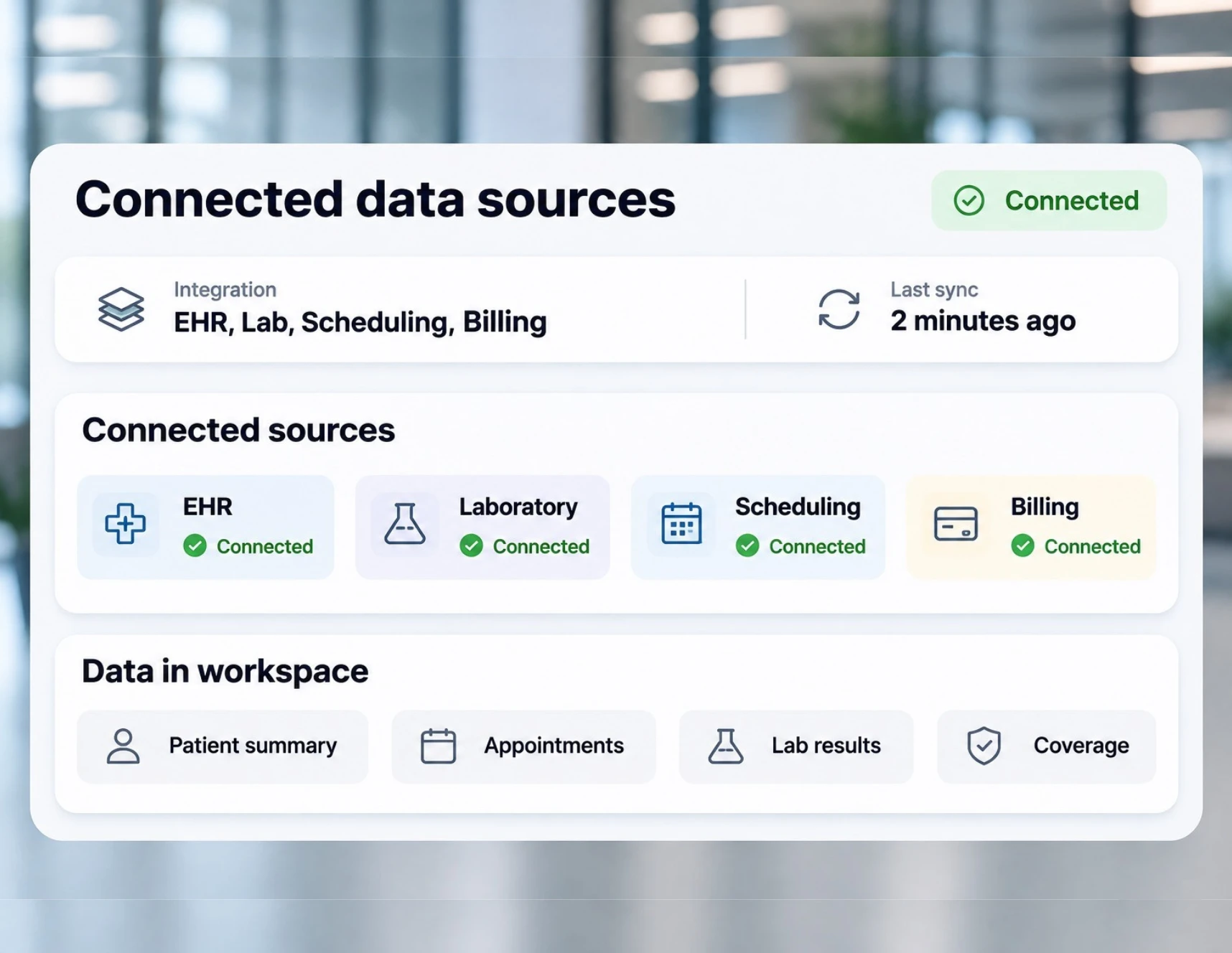
Make selected information from existing tools and external sources available where teams or product users need it.
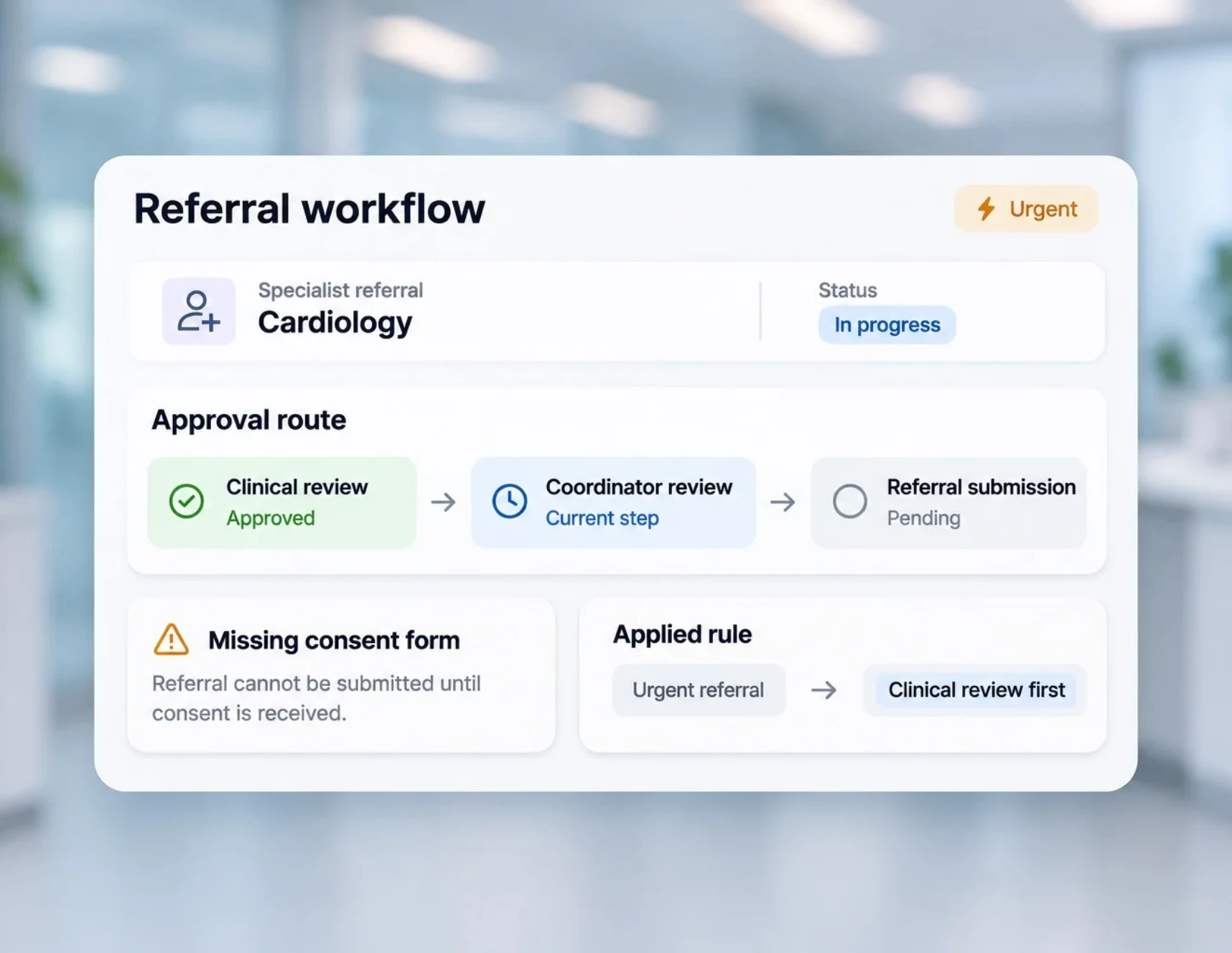
Use statuses, approvals, reminders, and exception rules to support work that does not always follow the same route.
Show administrators, teams, and product users the information and actions they need for their part of the work.

Use current records and health-related data for reports, histories, dashboards, and user-facing visualizations.

Add or adjust workflows, integrations, and screens without rebuilding the whole product when a focused change can solve the problem.
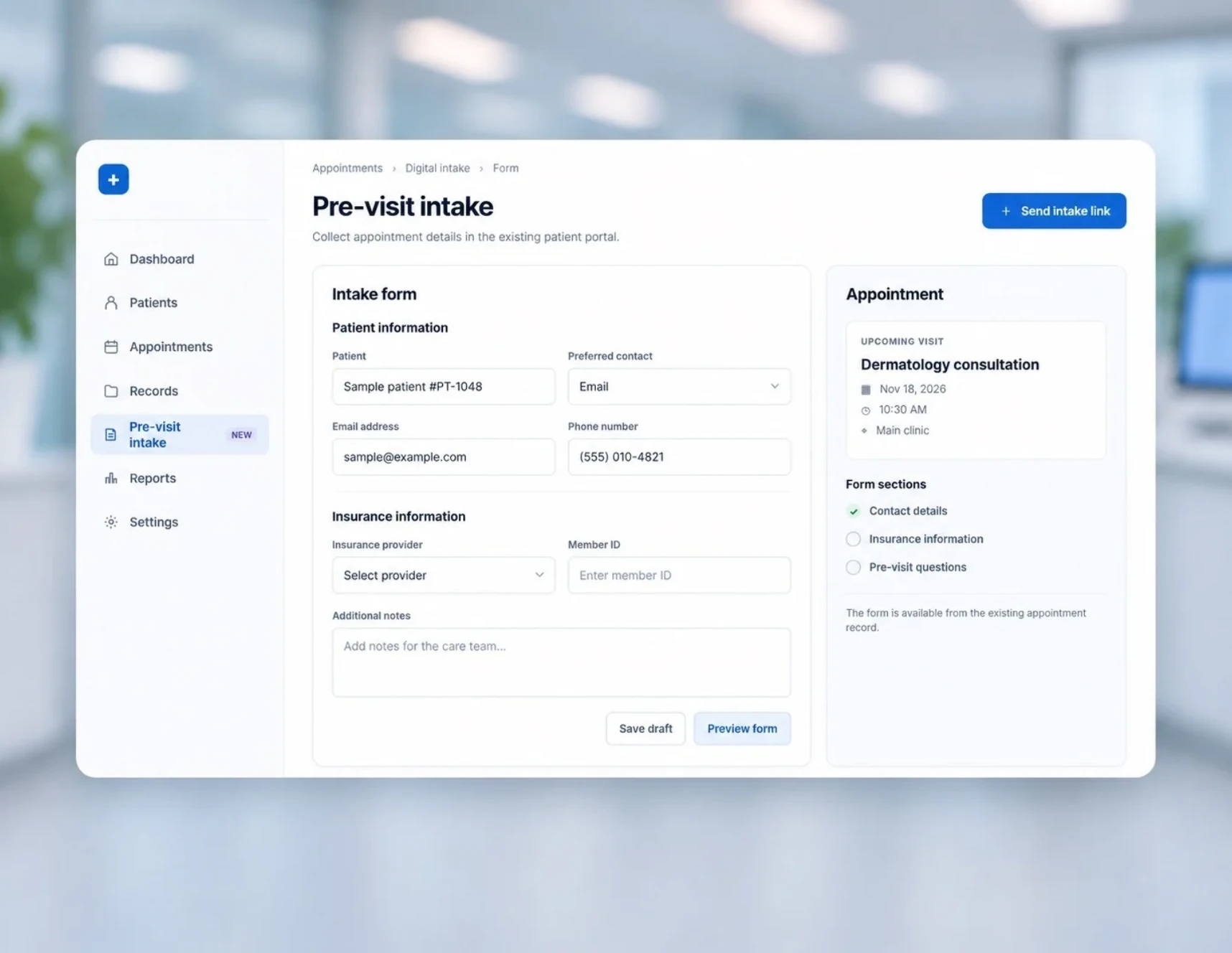




Access can differ for teams, locations, and external users, including what they can view, change, or approve.
Records can follow different steps depending on their type, status, or the team responsible.
A change history can show what changed, who made the change, and when, so teams do not need to compare versions manually.
The system can keep review dates, owners, and statuses with each record or document and remind the person responsible.
When a source allows data access, its data can appear in one view with the source clearly identified. Manually added data can remain separate.
