


Unclear final result
Drawings, static images, and references do not always show how a space, layout, material, or finish will look before approval.
We help architecture and interior design businesses manage project information, design options, client approvals, documents, and communication across the tools they use.
Too many moving parts
Drawings, static images, and references do not always show how a space, layout, material, or finish will look before approval.
We connect visual concepts, project details, client decisions, and business records so teams spend less time checking, updating, and recreating information.
Spaces, layouts, materials, finishes, and product options are presented so clients can compare choices and understand what they are approving.

Materials, measurements, product choices, notes, and client preferences stay with the relevant project, making current details easier to find.

Comments, revisions, and approvals stay with the relevant design or selection, making it clearer what changed and what has been approved.

Confirmed selections and pricing can feed quotes, proposals, and order documents instead of being entered again.
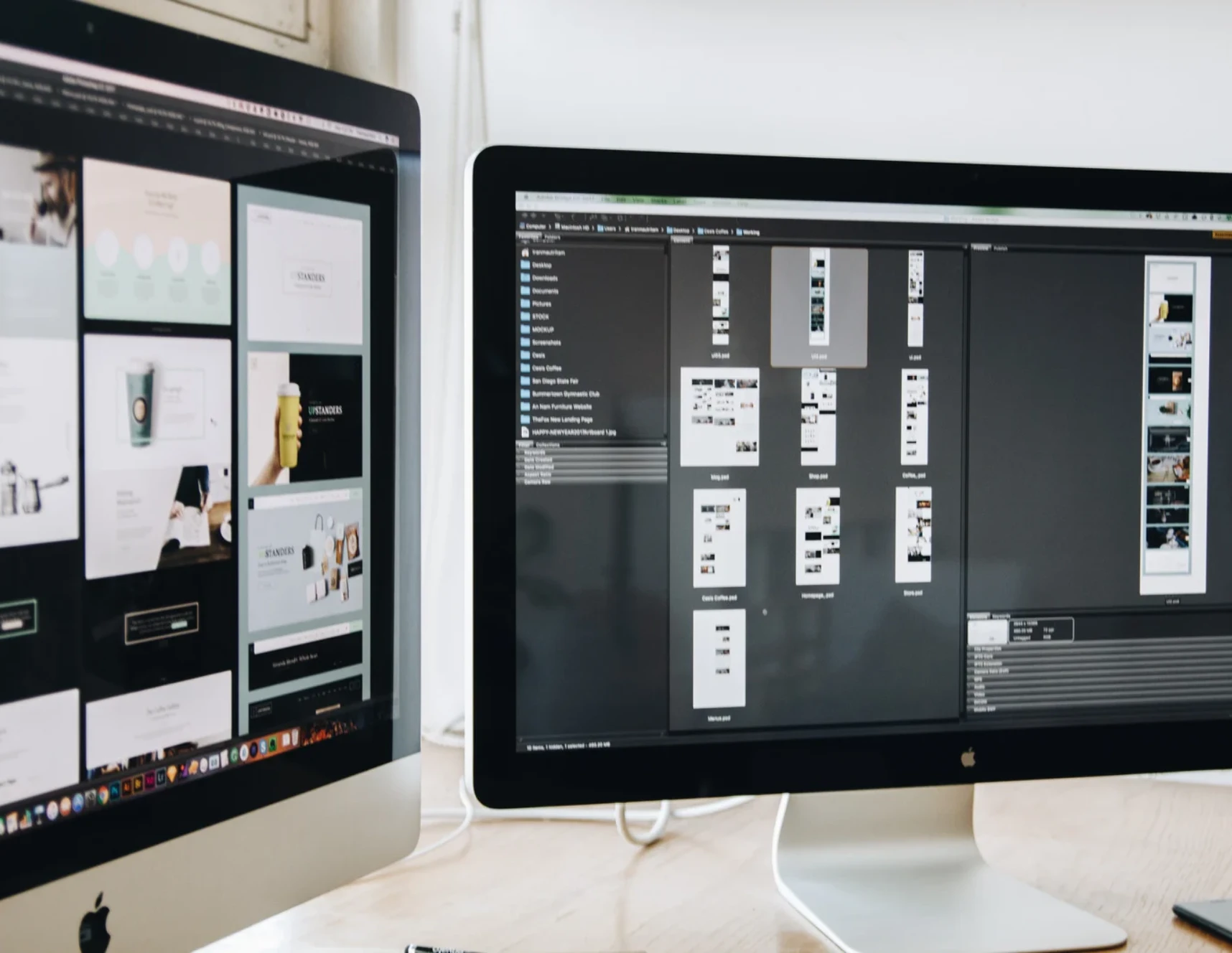
Drawings, client details, approvals, quotes, and project notes can be kept together so teams spend less time searching across separate tools.
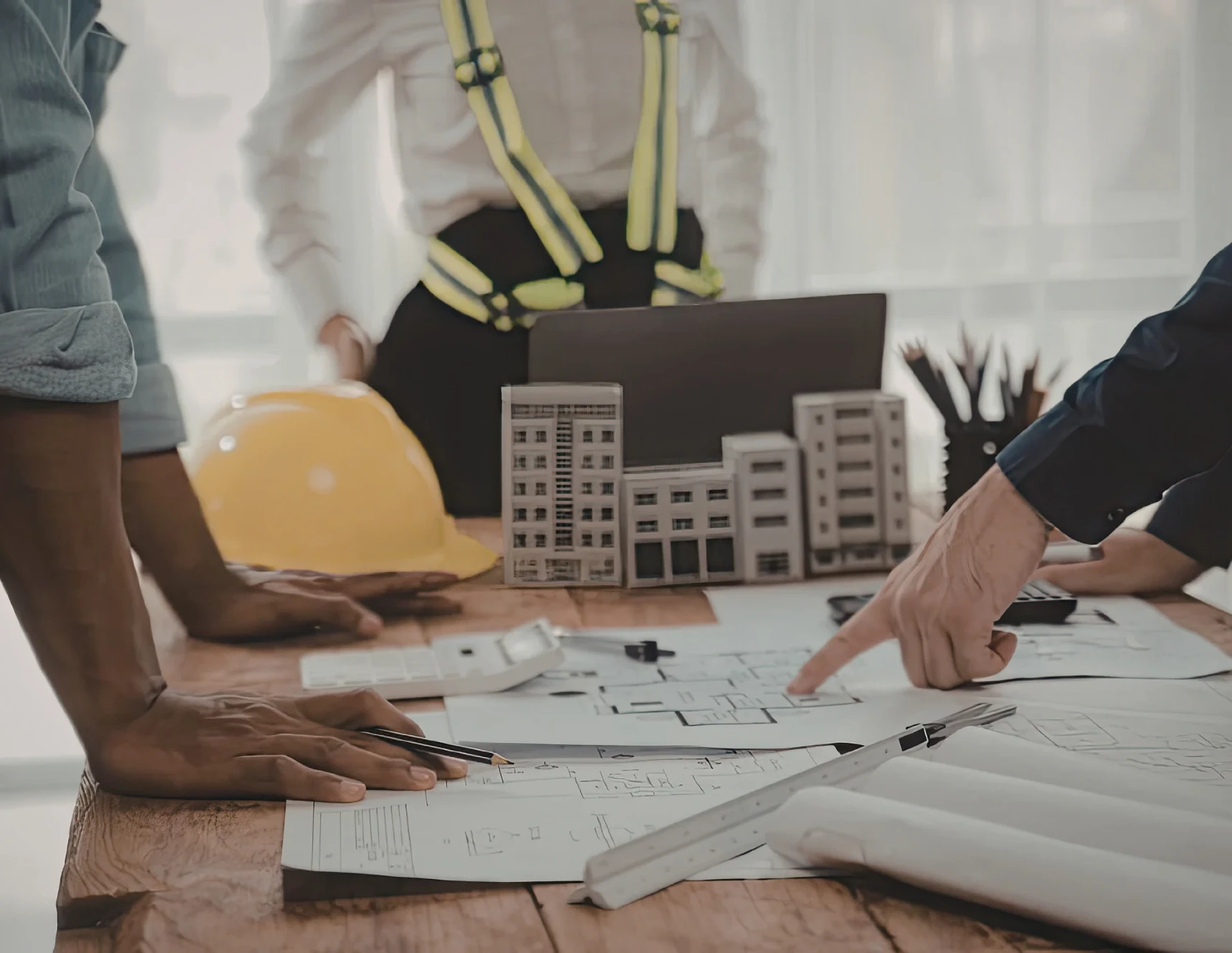
Routine updates, document preparation, and reminders can be automated so teams spend less time on repetitive tasks.

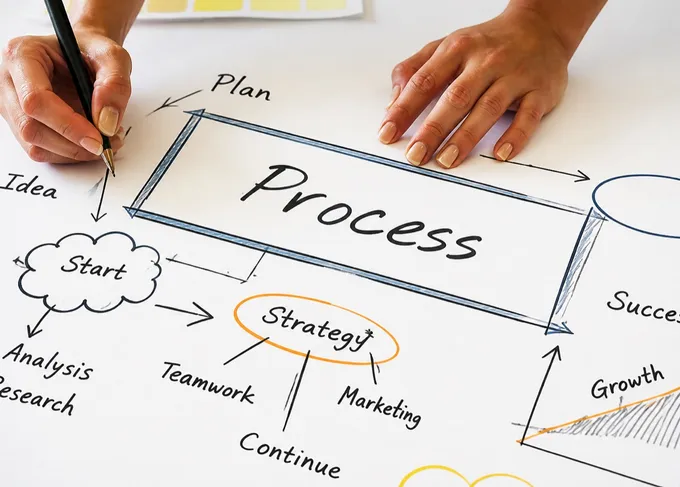

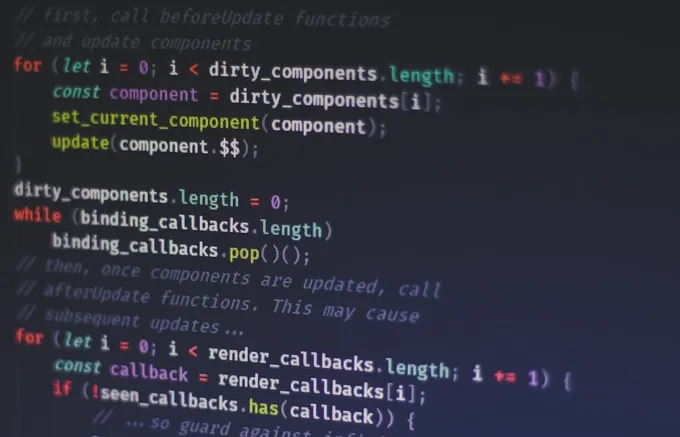

Not necessarily. We first look at what your current tools already handle well and where the gaps are. We may be able to build around your current setup without replacing the core design software.
Clients can see the visuals, selections, documents, comments, and approvals they need without working directly in the tools your team uses.
We assess what needs to be kept, where it is stored, and what can still be used. Then we agree how the relevant information should be handled and checked.
Different projects may need different reviews, approvals, or documents. The setup can account for these differences without forcing every project into the same structure.
